Printed and plain fabrics, sold by the metreWorldwide shipping on every order

Simple steps

How to place an order

Pick a cloth, print a design on it or buy it plain, set the metres, and check out.

  • Print or plain
  • Your design
  • Scale 1–100
  • Metres, then checkout
  1. 01
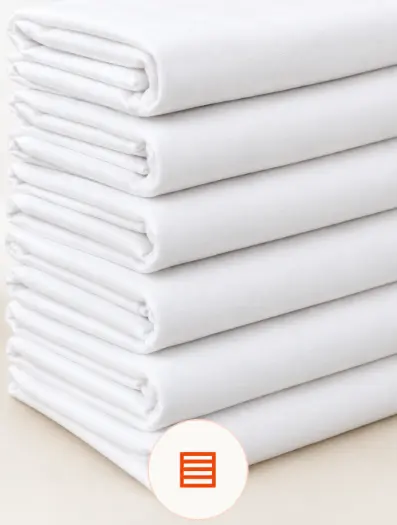
    A stack of folded white fabric

    Choose a fabric

    Open Fabrics and pick a cloth. The page shows its width and price.

    Browse fabrics
  2. 02
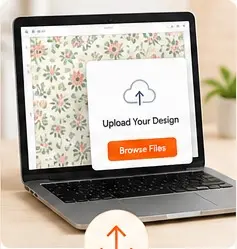
    A laptop with an upload design window

    Upload a design

    Choose Print, then upload a PNG, JPG, or WebP, or pick a design from the library.

    See designs
  3. 03
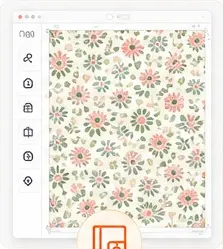
    A floral design placed on a fabric canvas

    Place it on the cloth

    Choose Center, Tile, Mirror, Vertical, or Brick, and turn it by a quarter turn.

  4. 04
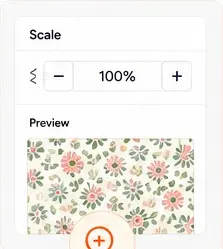
    A scale control set to 100 percent with a fabric preview

    Set the scale

    The scale starts at 100 and moves in whole numbers from 1 to 100.

  5. 05
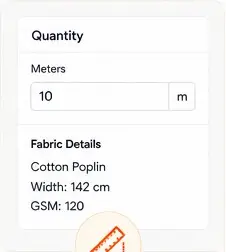
    A quantity field in metres next to fabric details

    Set the metres

    The size starts on Linear meter. Set the quantity and add it to the cart.

  6. 06
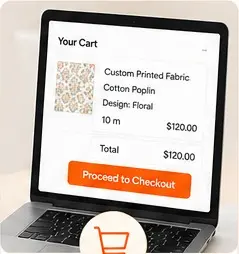
    A cart with a printed fabric and a checkout button

    Check out

    Review the cart, then proceed to checkout.

    Open the cart